Read readiness before taking action
Start with the operating picture, then move from an alert to the exact record behind it.
Understand what is valid, approaching its planning window, booked, or already expired before changing any record.
- 01
Confirm your account and data context
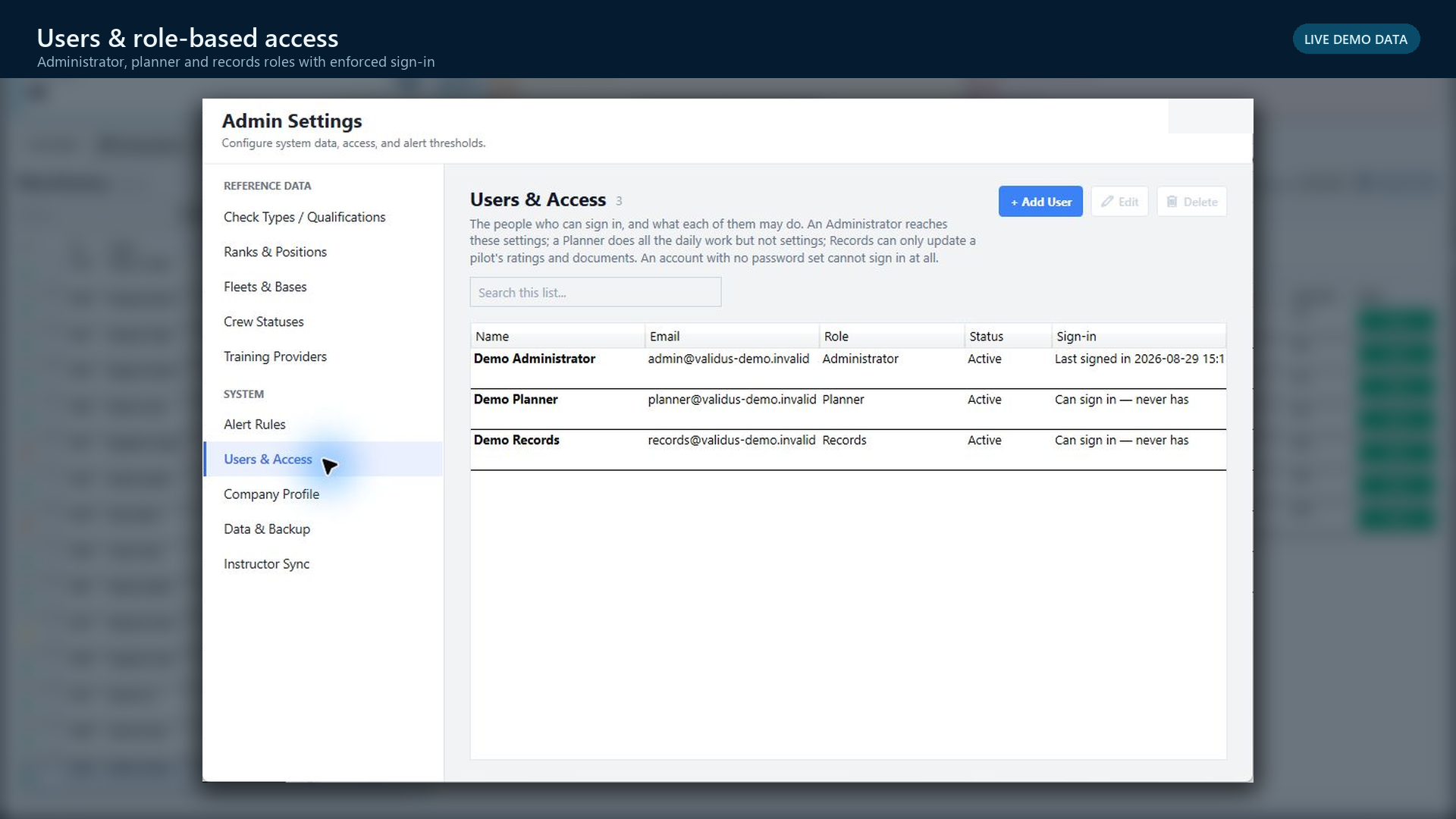
Use your named sign-in. Check the operator shown in the application and confirm that you are working in the intended environment before reviewing or changing records.
- 02
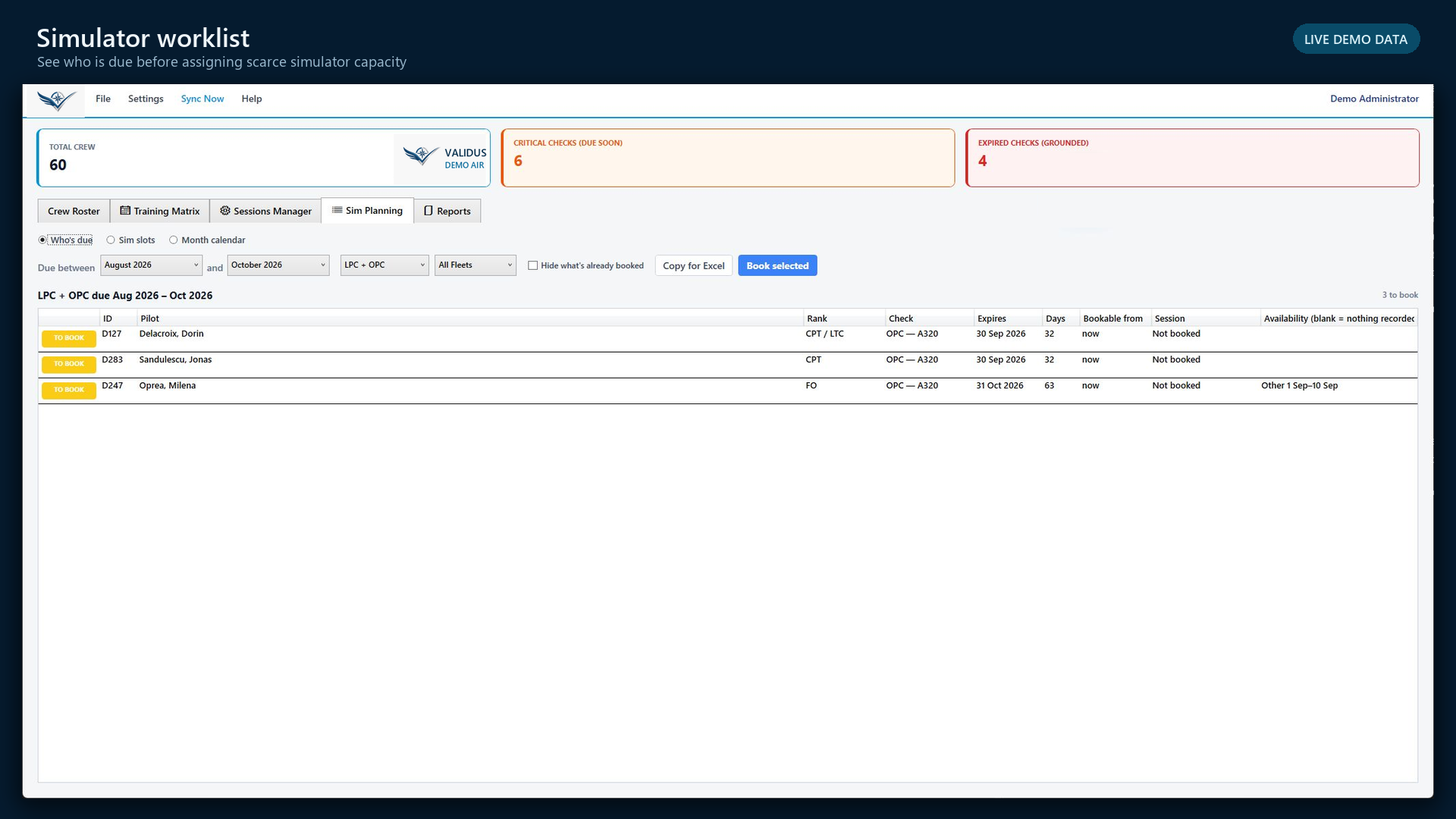
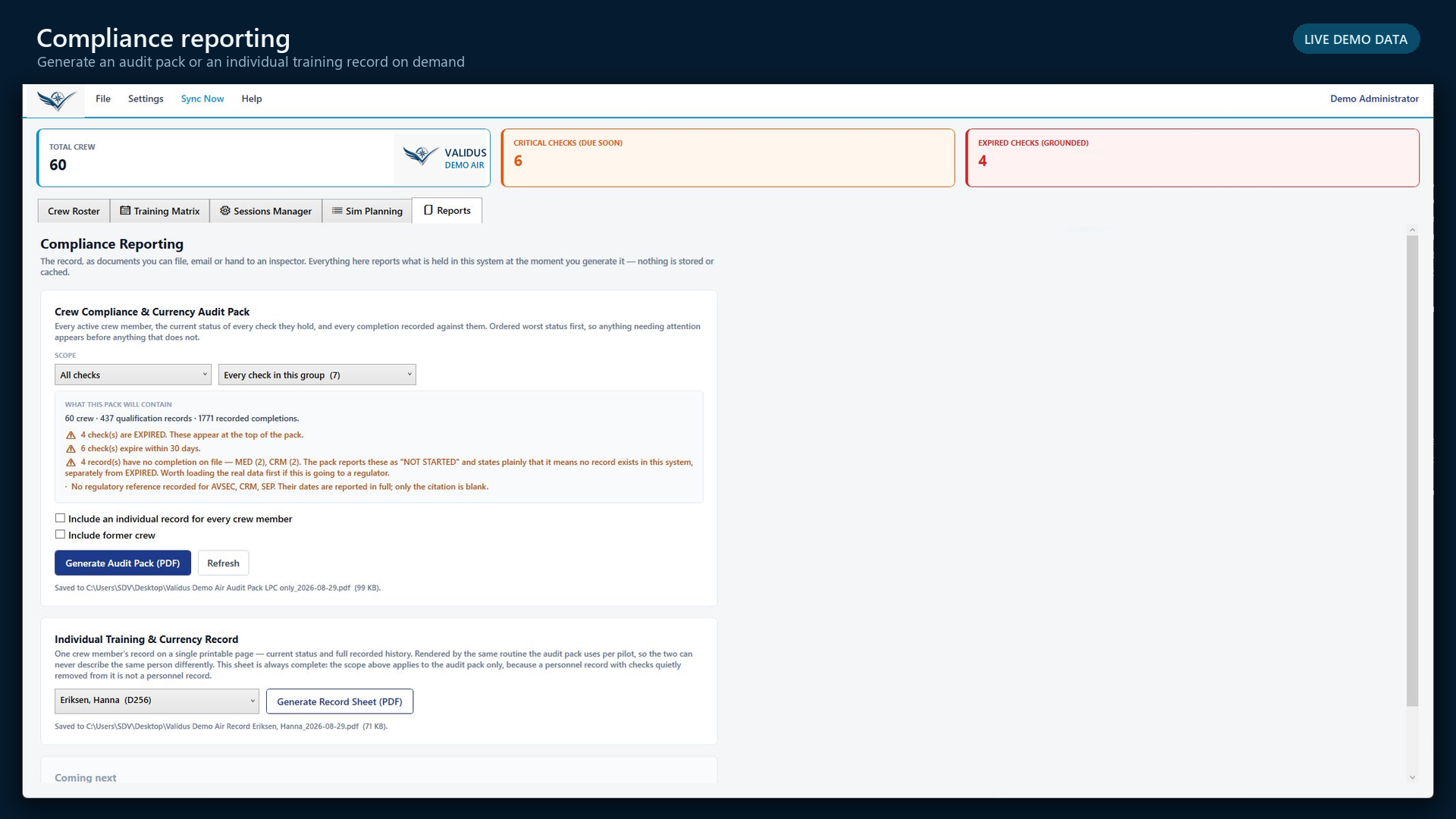
Read the three fleet indicators
Total crew defines the population. Critical checks due soon need planning attention. Expired checks grounded require immediate operational control under your operator procedure.
- 03
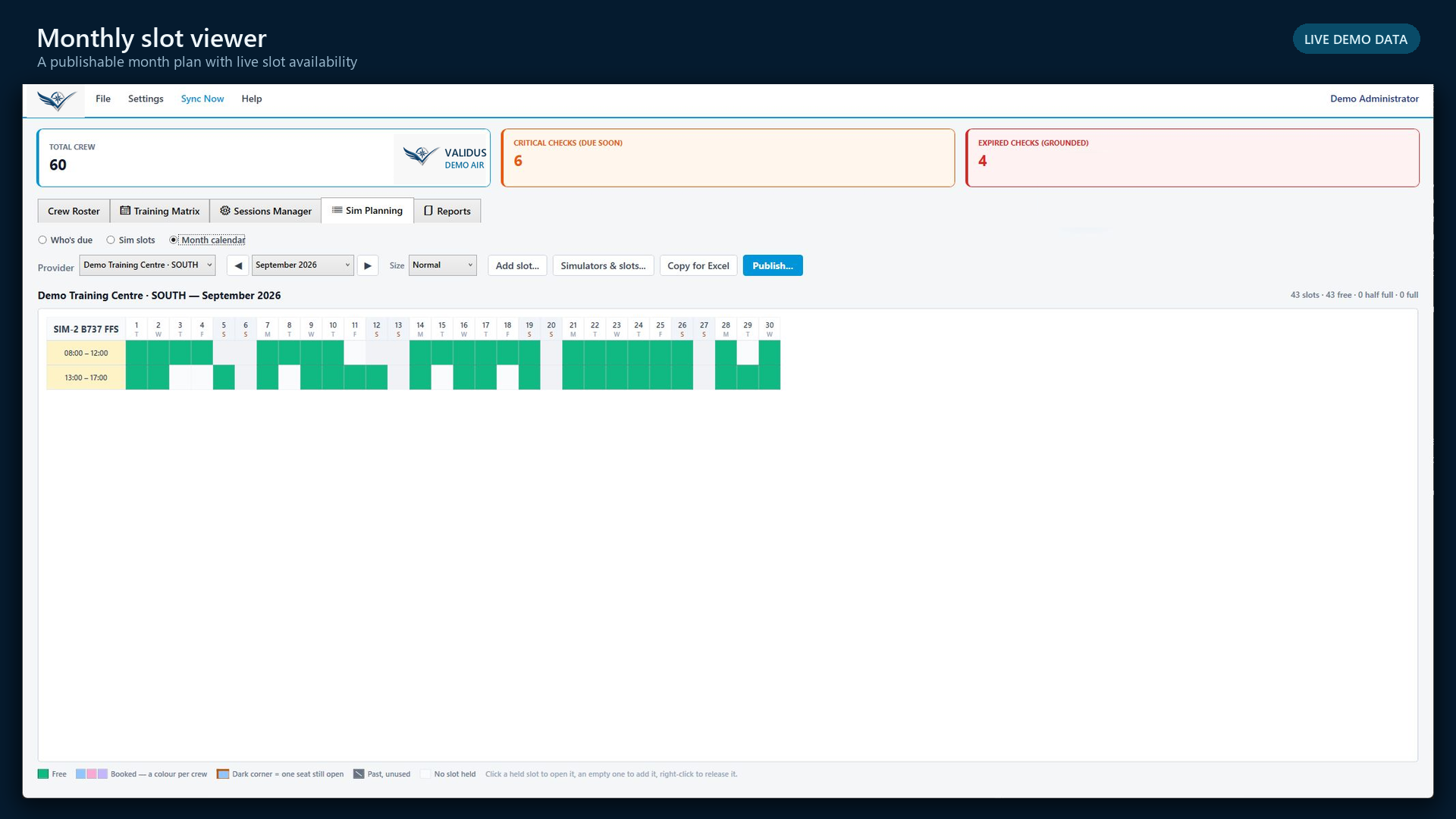
Use colour as a prompt—not as the evidence
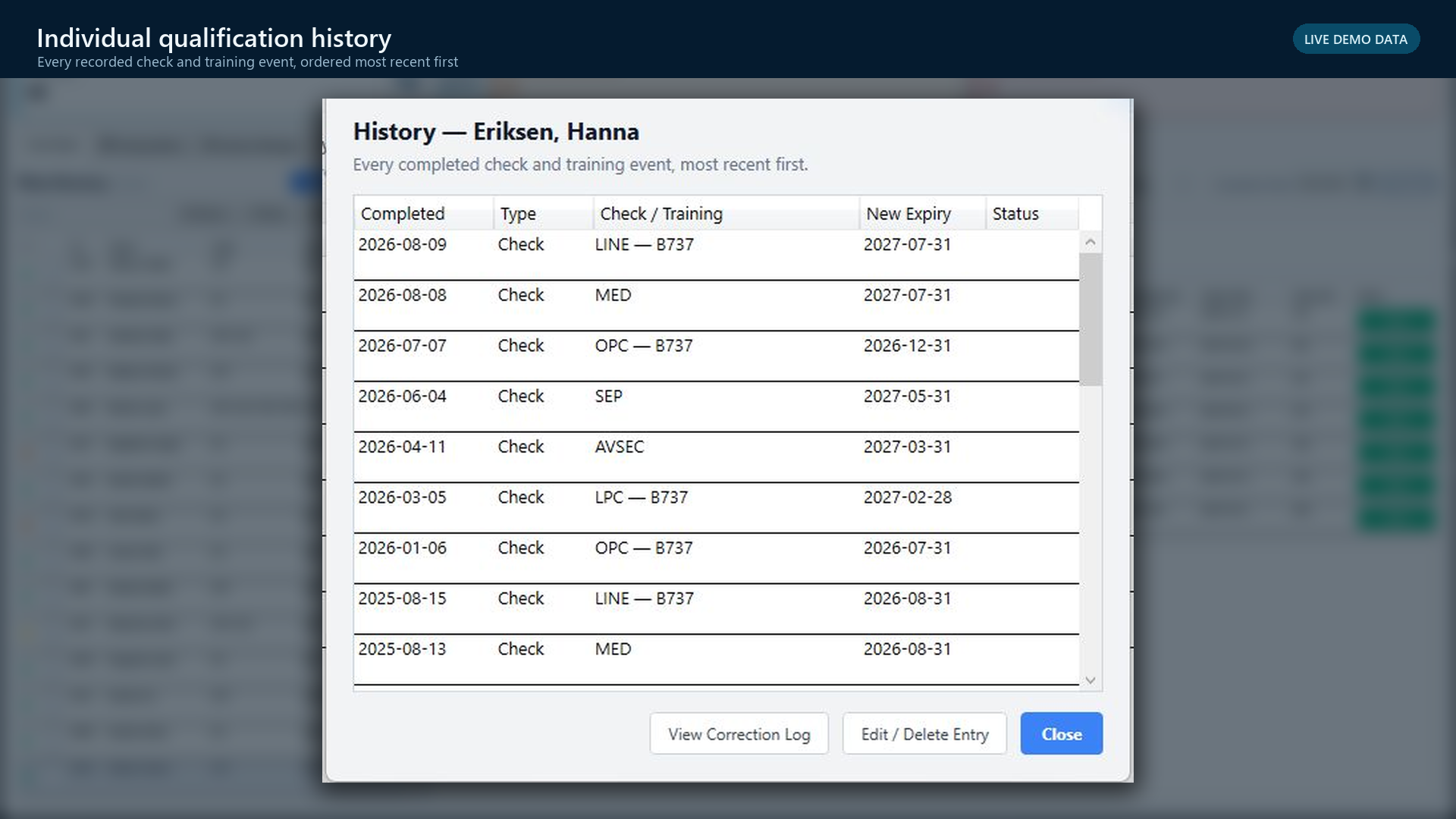
Green is compliant, yellow is the booking window, red is the expiry month, and blue is booked. Open the crew or qualification record to confirm the check, aircraft type, dates, and source completion.
- 04
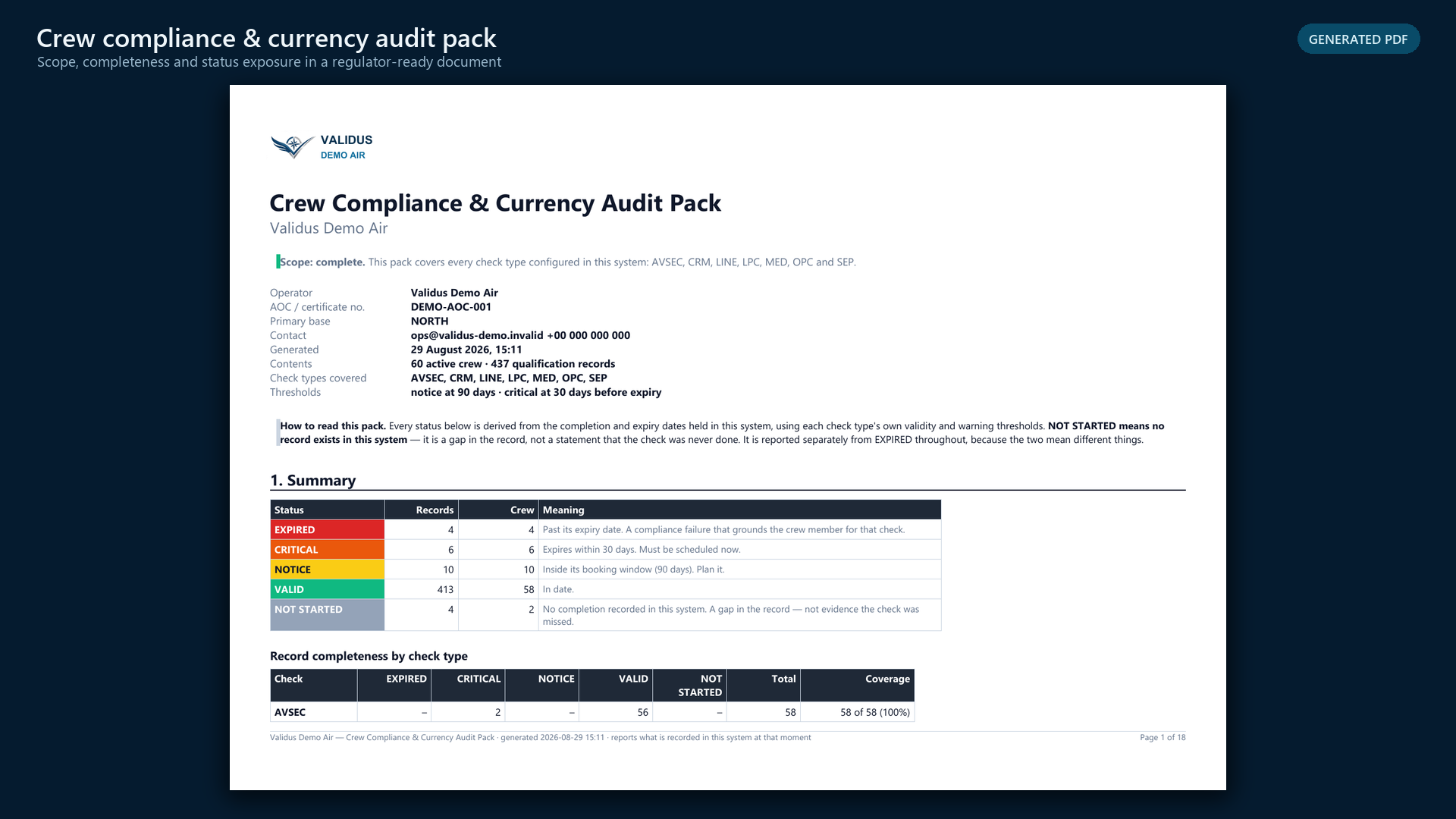
Separate missing data from expiry
Not started means no completion is recorded in Validus Aero. It is a record-completeness gap, not proof that the event never occurred.
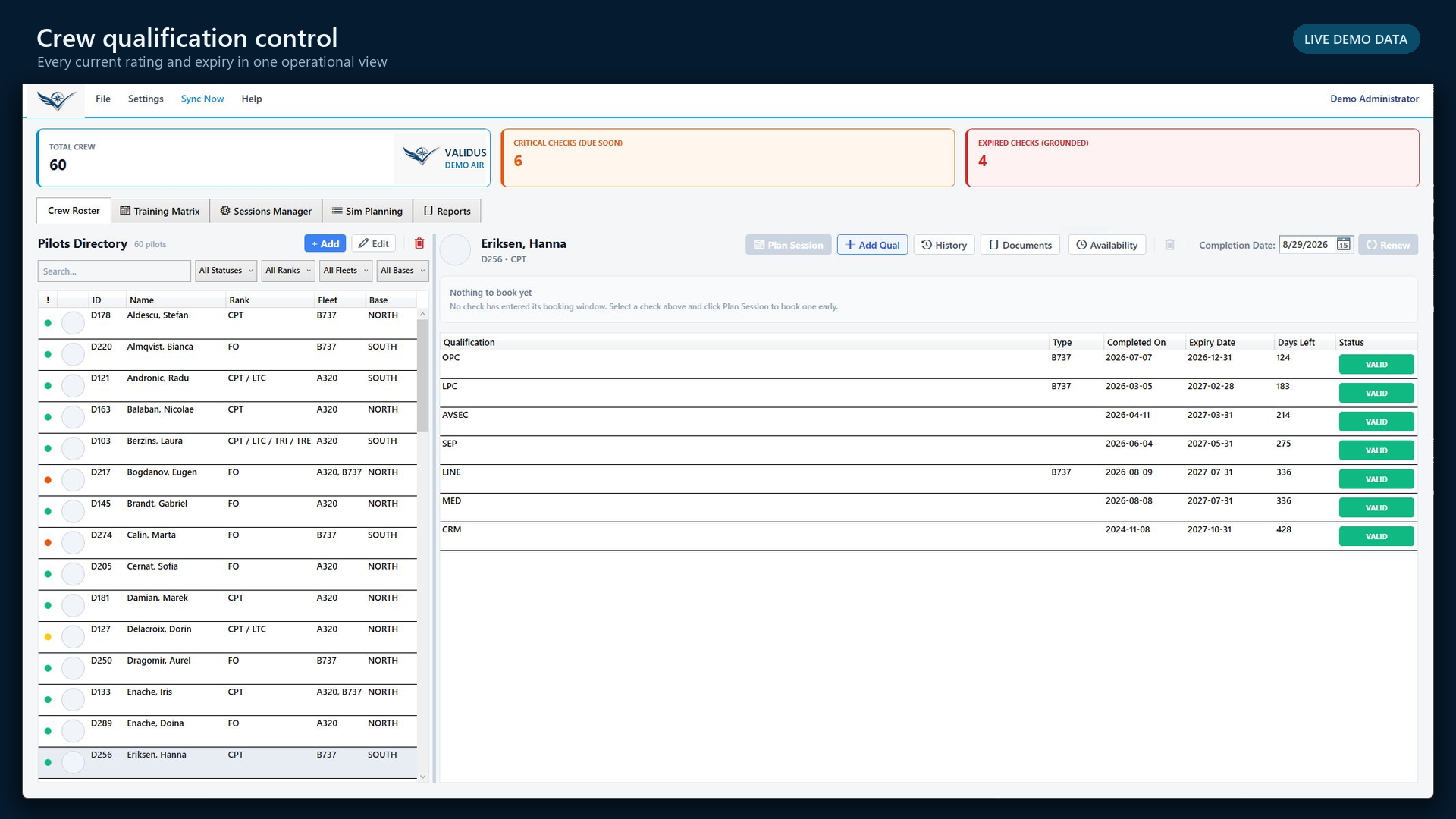
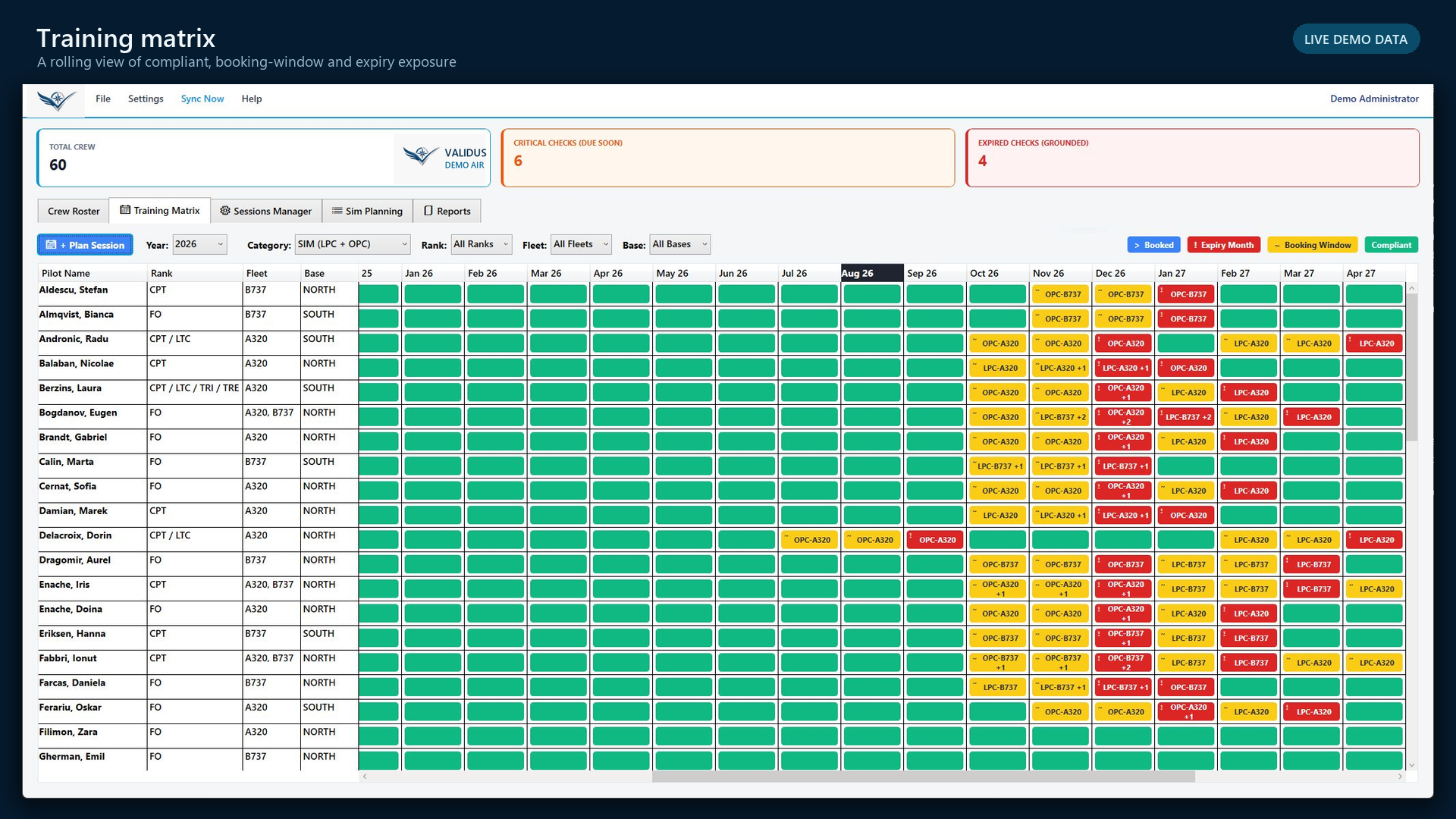
You can explain why a crew member is shown as valid, due, booked, expired, or incomplete—and identify the record that supports the status.
Do not treat the headline count or matrix colour as a release-to-service decision. Follow the operator’s approved control process and verify the underlying record.